


在服務企業的過程中,遇到一天 TB、PB
級的資料是常態,且可能在短時間內會有大量的 Log 資料寫入到 Elasticsearch
中,因此透過 Kafka
分擔工作量是很常使用的技巧之一,底下筆者將標準用法整理出來。
安裝
安裝 Kafka
wget https://downloads.apache.org/kafka/2.8.0/kafka_2.13-2.8.0.tgz
tar -xzf kafka_2.13-2.8.0.tgz
cd kafka_2.13-2.8.0
啟動 Kafka 服務
bin/zookeeper-server-start.sh config/zookeeper.properties
bin/kafka-server-start.sh config/server.properties
設定 Filebeat
Filebeat 做為一個 producer 的角色,指定一個 topic 推播工作消息。
需要調整的參數有:Log 路徑、Kafka Hostname、Kafka Topic、帳號、密碼。
    filebeat.inputs:
    - type: log
      enabled: true
      paths:
        - /your/log/path

    output.kafka:
      topic: elk-lab
      required_acks: 1
      version: '1.0.0'
      partition.round_robin:
        reachable_only: false
      hosts:
        - "your-kafka-domain:9092"
      #username: ""
      #password: ""
      #ssl.enabled: true
      compression: none

    logging:
      level: debug
      to_files: true
      to_syslog: false
      files:
        path: /opt/filebeat/log
        name: eventhub.log
        keepfiles: 7
        rotateeverybytes: 10485760 # 10 MB
設定 Logstash
Logstash 做為一個 consumer 的角色,可以處理多個 topics,並轉送至
elasticsearch。
    input {
        kafka {
          bootstrap_servers => "localhost:9092"
          topics => ["elk-lab"]
        }
      }

      output {
        elasticsearch {
          hosts => ["http://localhost:9200"]
          index => "logstash-kafka-%{+YYYY.MM.dd}"
        }
      }
可以進一步參考 grok filter plugin 處理 Log 資料
建立 Index Pattern
選單中選取 Stack Management > Index Pattern > Create Index
Pattern
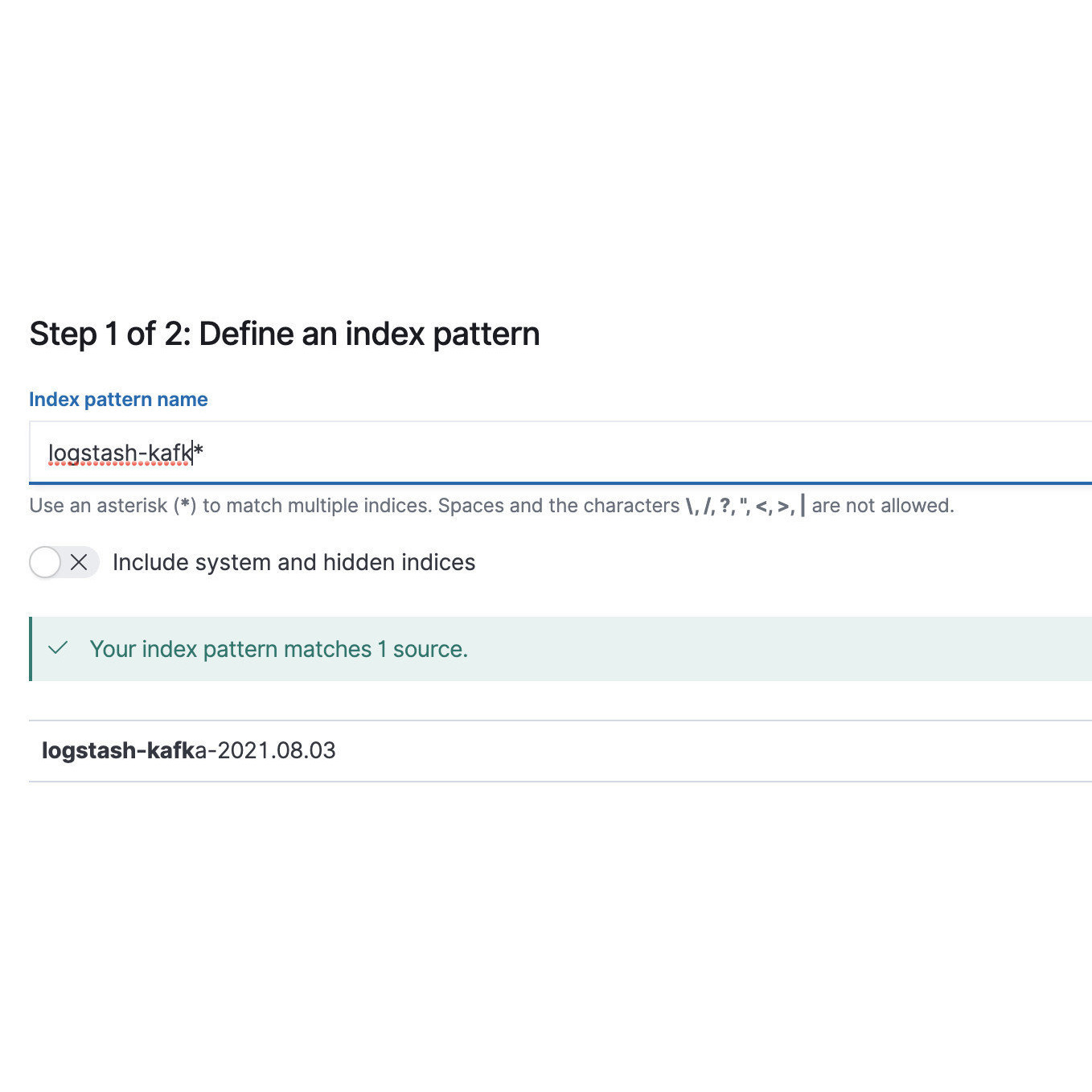
Discover it
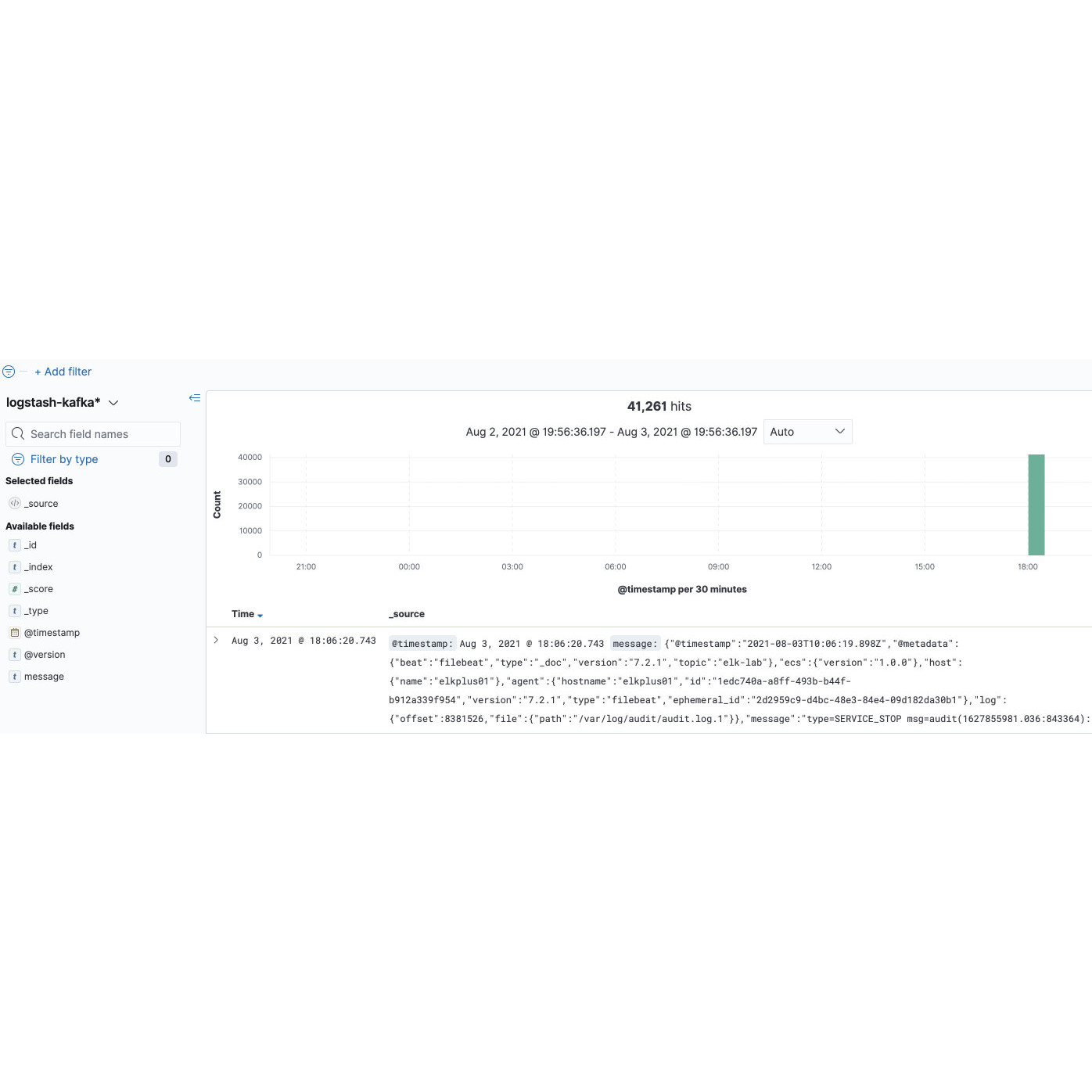
建立完 Index Pattern 後,即可以在 Discover 中檢視資料。
有任何問題,或是想看新主題?
聯絡我們
